




3 user licences
For small teams getting started.

When messages are scattered across inboxes, follow-ups can slip. DotComm brings WhatsApp, SMS, email and VoIP into one workspace, where workflows can automatically create and assign a lead or ticket.
Real feedback from businesses that use STM to connect, support and grow their customers.
The video couldn’t load. Return to the preview and try again.
 Read all 24 reviews on Google
4.7 out of 5 overall
“We would love to recommend STM group.”
 Nikita Basson
“stm moved our vodacom franchise into a 'next" level concerning customer service”
 Johannes Van Heerden
“The team is always friendly and helpful.”
 philip van schalkwyk
“We have been using their client management system and support services, and our experience has been excellent.”
 Jeanette Du Plessis
“I have had the pleasure of working with STM Communications from December 2019, and I have never had an ounce of issues.”
“The team is always available, professional, helpful and friendly.”
“The STM Team, is quick, helpful and patient. Excellent service and communication. Can highly recommend their services.”
“I am loving their services”
“I would like to extend my sincere appreciation to STM Communication for their outstanding service, dedication, and support.”
“Top team @STM COMMUNICATION always giving great service, thanks”
“At Bester and Rhoodie, we've been highly impressed with the exceptional service from STM COMMUNICATIONS”
“Solid solution and great customer service.”
“Amazing Company with constant innovative ideas on how they can evolve and do better”
“We have been a client of STM for a few years and have been utterly impressed.”
“Outstanding VOIP provider and excellent after sales and Support.”
“Awesome service & product offering.”
“Jean thankyou for your patience and for your kind assistance”
“Fast good service. Reliable and honest.”
“Awesome service from Wayne and team”
“Good customer services and reliable”
“Thank you for the quick assistance to my query.”
Choose a package for 3, 10, 25, 50 or 100 users. The same core features are included at each size. Your quote depends on the user count, channels and setup you need.
For small teams getting started.
For a growing sales or support team.
For teams sharing customer work across departments.
For larger teams handling customer enquiries.
For larger organisations with more users.
Start with the channels your team already uses. Email, SMS and VoIP/PBX are optional, so you can include them when you need them.
Manage enquiries, assign service work and follow up with customers from the same workspace.
Keep a customer’s WhatsApp, SMS, email and VoIP history together so the next agent can pick up where the conversation left off.
Manage leads and customer profiles with linked conversations, custom fields, notes, documents, images and voice notes.
Let agents share a WhatsApp Business inbox, route messages to the right team and reply with templates, attachments or voice notes.
Route WhatsApp enquiries to the right pool. Configured rules create and assign a lead or ticket automatically, so the right team can pick up the follow-up.
Use an AI chatbot to respond on WhatsApp or your website. Configure it around common questions and decide when a customer needs help from your team.
Use the API and JSON Builder to connect forms, CRMs and workflows. A website enquiry can create a customer record and a ticket for your team.
Segment contacts, schedule a WhatsApp template or SMS campaign, track delivery and route replies to an agent or team.
Track open tickets, response times, jobs and call volumes on live dashboards. Filter reporting by agent, team, status or date.
List tasks and materials, record time spent working remotely or on site and keep an audit trail from assignment to completion.
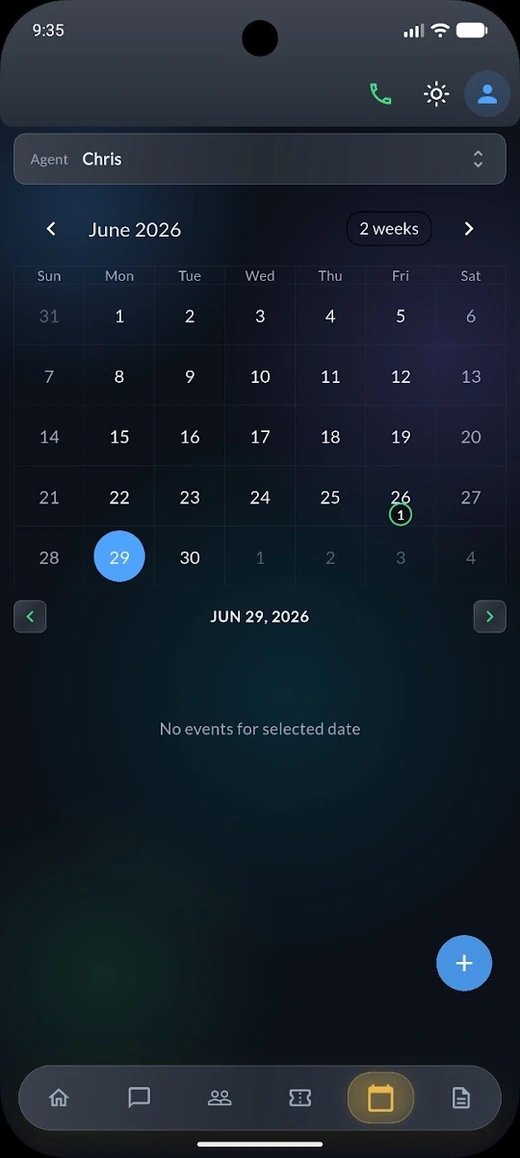
Link appointments or recurring renewals to a customer, ticket or job card. Set up to three reminders per event on configured channels.
Assign agents to teams, control access by role and prioritise time-sensitive tickets. Supervisors can review the ticket and chat history.
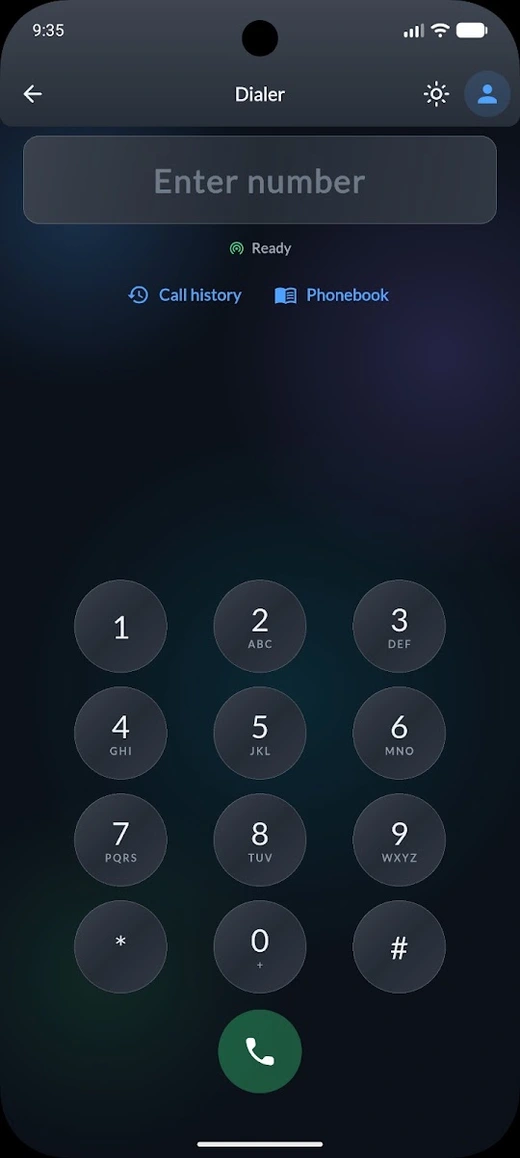
Use click-to-dial, phonebooks and live extension availability. Route business calls through menus, ring groups and office-hours rules.
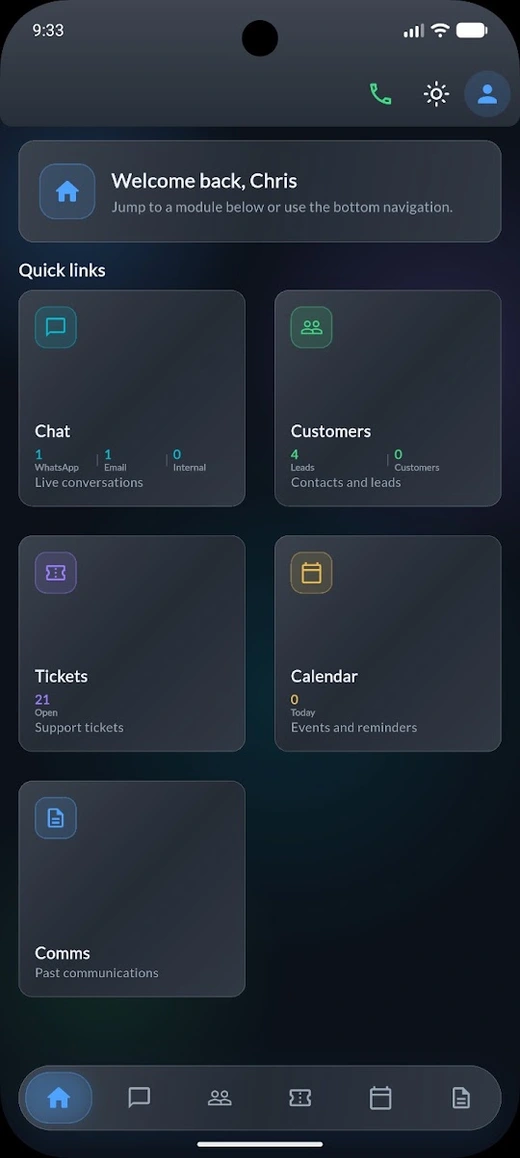
Reply with text, voice notes or attachments, assign or reopen tickets, manage appointments and check call history from your phone.


Yes. STM can help you connect an eligible existing WhatsApp Business number. STM checks whether the number is on the WhatsApp Business app or connected to another provider, then confirms the account access and steps for switching.
Whether you can keep using the Business app or access older chats depends on how the number is connected today. STM can check both before the move.
Yes. DotComm has a lead import tool. A sample import helps check that customer IDs, company names and service areas land in the right fields. Custom fields let you keep details your team searches for or uses to route work.
After import, you can use filters to find the right records and bulk-assign them to an agent, group or pool, or update their list or status.
Yes. DotComm sends the incoming WhatsApp message to the right pool using your routing rules. The configured workflow then creates a lead or ticket and assigns it to the right pool or agent.
For example, a sales enquiry can become a lead assigned to a sales pool, while a service request becomes a ticket for support. Use My Tickets and the Unrouted view to check ownership, priority and SLA timing.
Yes. DotComm’s AI chatbot can respond to customers on WhatsApp and on your website. For example, the chatbot can answer an opening-hours question or ask for the details needed to log a service request. Set which conversations should go to a person and test the handover on both channels.
Yes. A configured inbound form integration can send website submissions into DotComm. A fault form can capture the affected service and send those details to Support. A sales form can capture the product of interest and go to Sales. The configured workflow determines where each submission goes.
DotComm also has inbound and outbound webhook options and calendar integrations. STM can check that a test enquiry reaches the right destination with the details your team needs.
Use reminders and scheduled tickets for work that must happen later or recur. For day-to-day service, use the ticket views to see open work, unread messages and SLA timing. Report templates can export activity such as WhatsApp by agent or agent states, with formats depending on the report.
Use the 35-day trial to follow a typical customer message from first reply through to handover or follow-up. The quote depends on the number of users and the channels or integrations your team needs. Packages support 3, 10, 25, 50 or 100 users. Email, SMS and VoIP/PBX are optional.
Yes. Office and remote users can sign in to the same workspace and pick up the customer records and tickets they have access to. Staff on the move can use the Android or iPhone app for their workspace, calls and calendar. The store links and QR codes are in the Mobile App section.
Yes. You can add custom fields to customer records and tickets and make fields required where needed. For example, keep an account reference on the customer record and capture the installation address on a ticket. Requiring the installation address on fault tickets gives Support the location before they start investigating.
Yes. Your team can handle customer conversations across your connected channels. Use tickets when a request needs an owner, a follow-up or a record of how it was resolved.
See how a colleague can pick up an open customer request with the conversation history and assigned follow-up in front of them.